
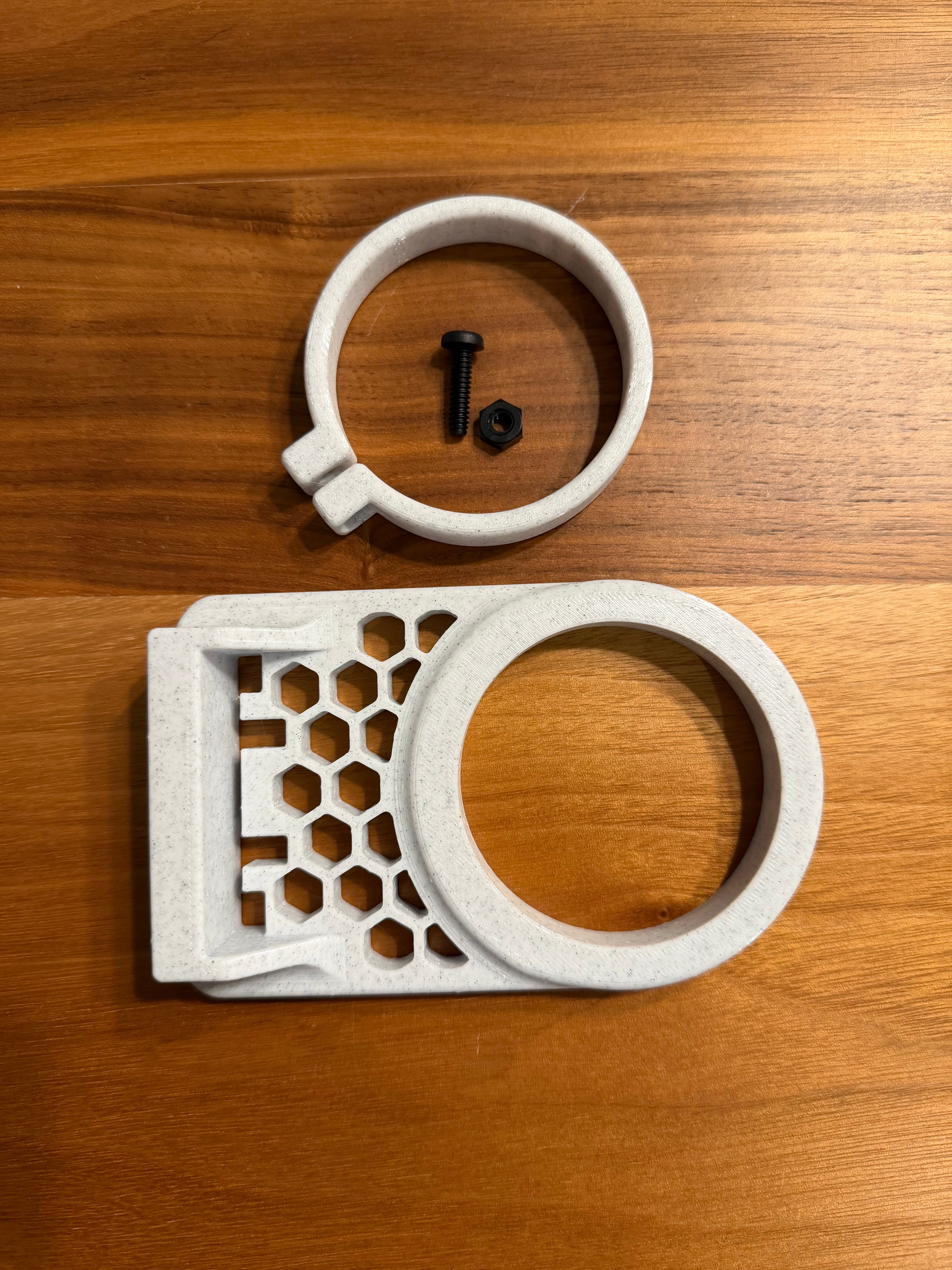
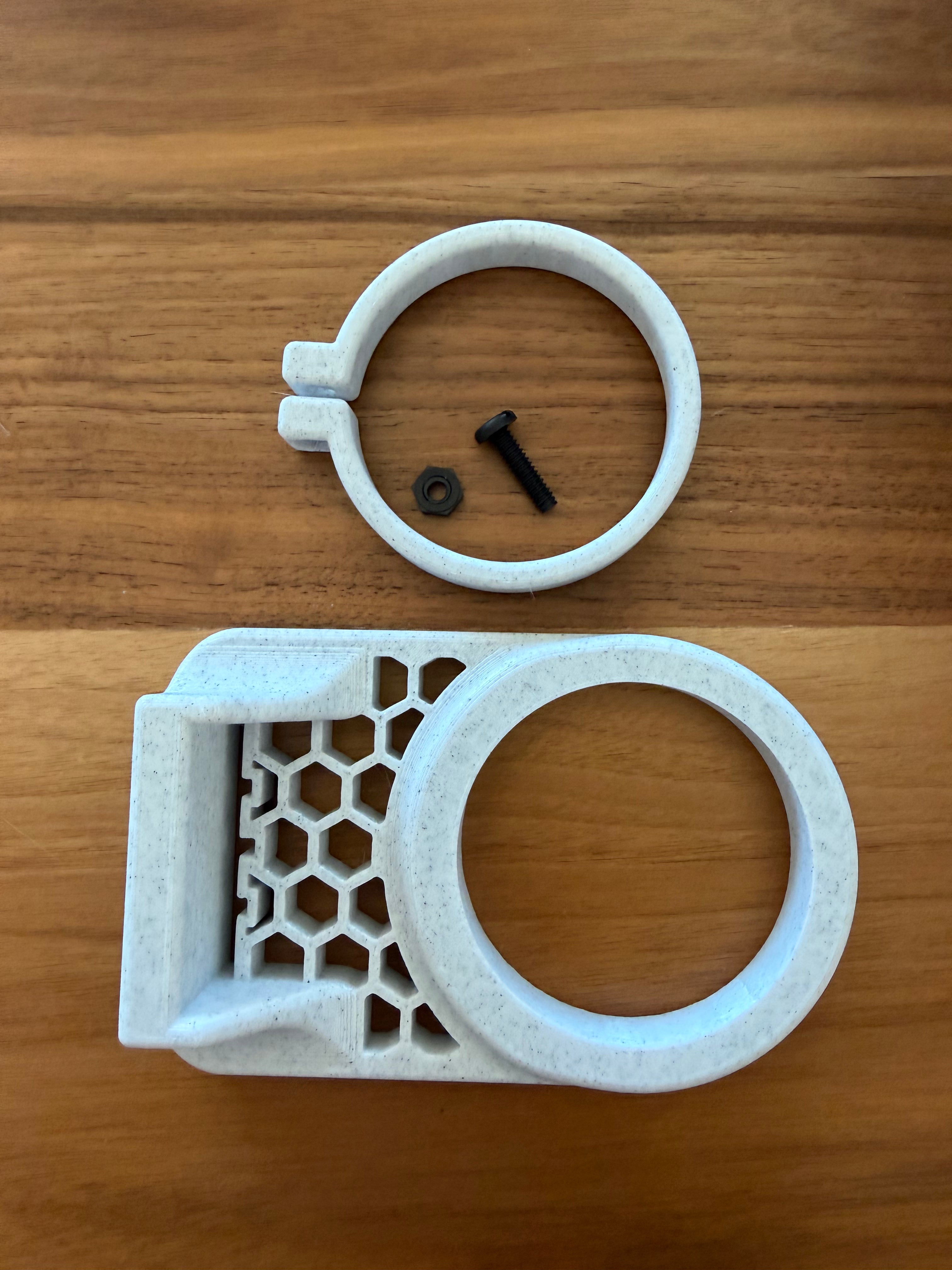
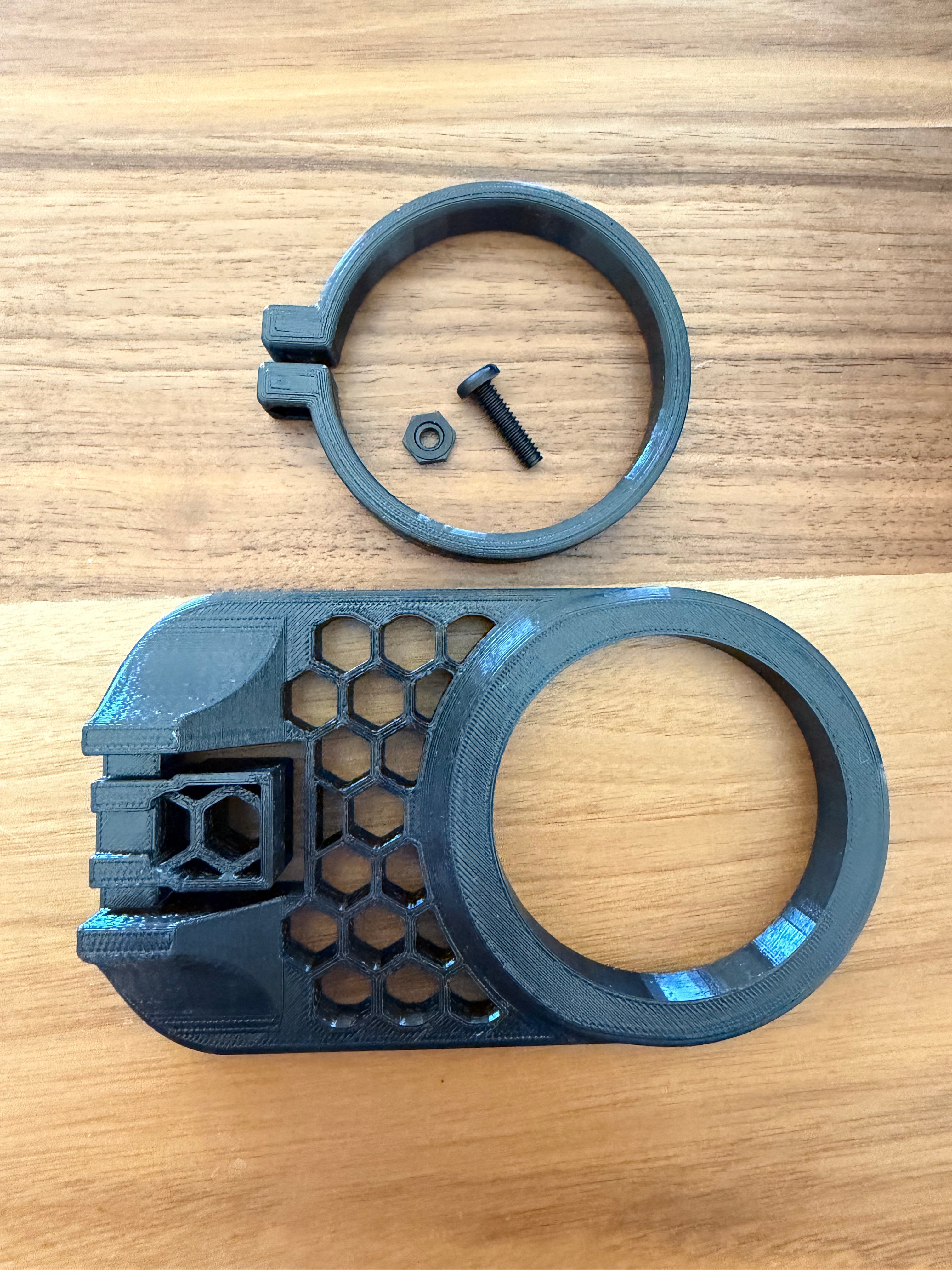
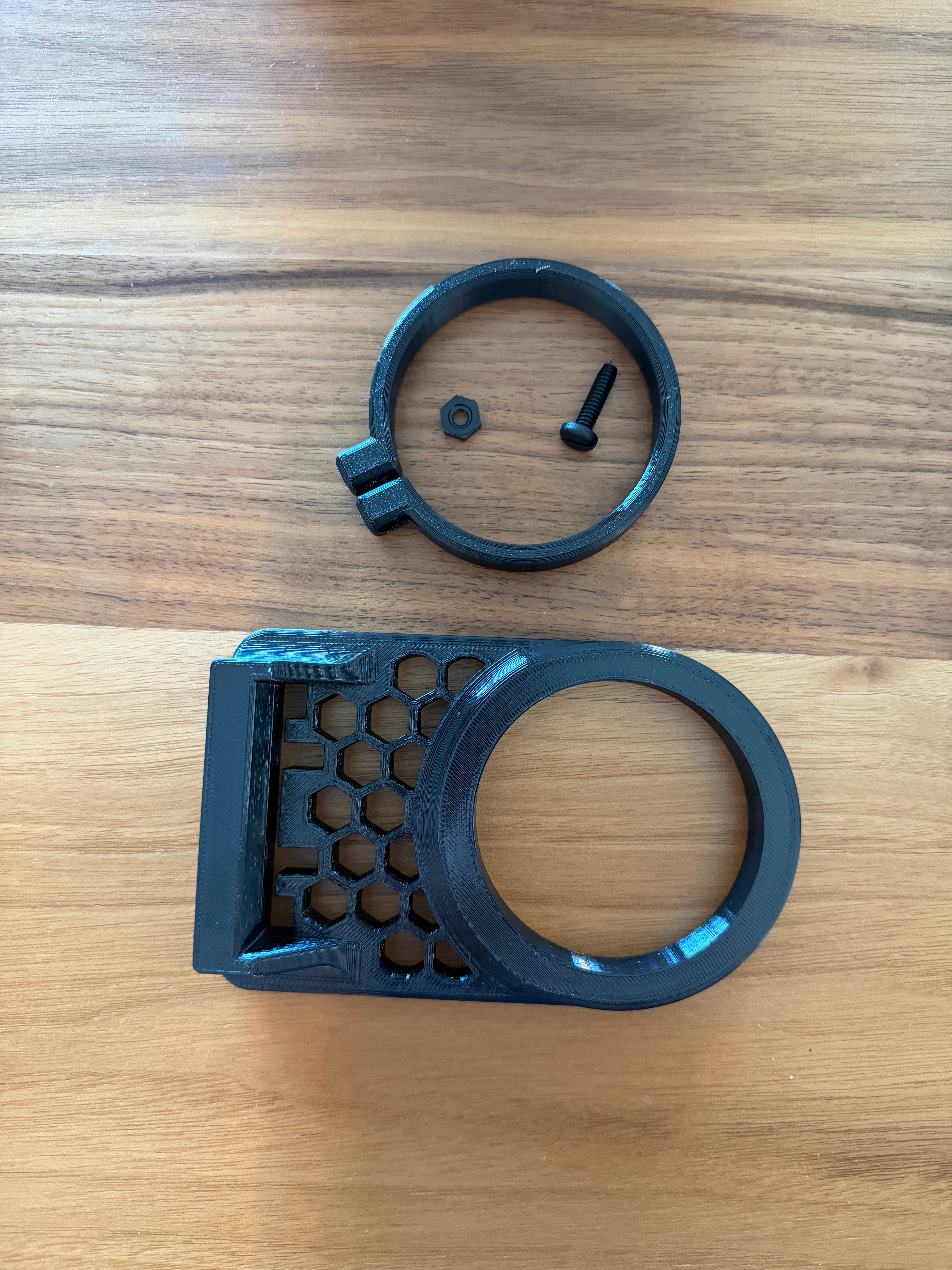
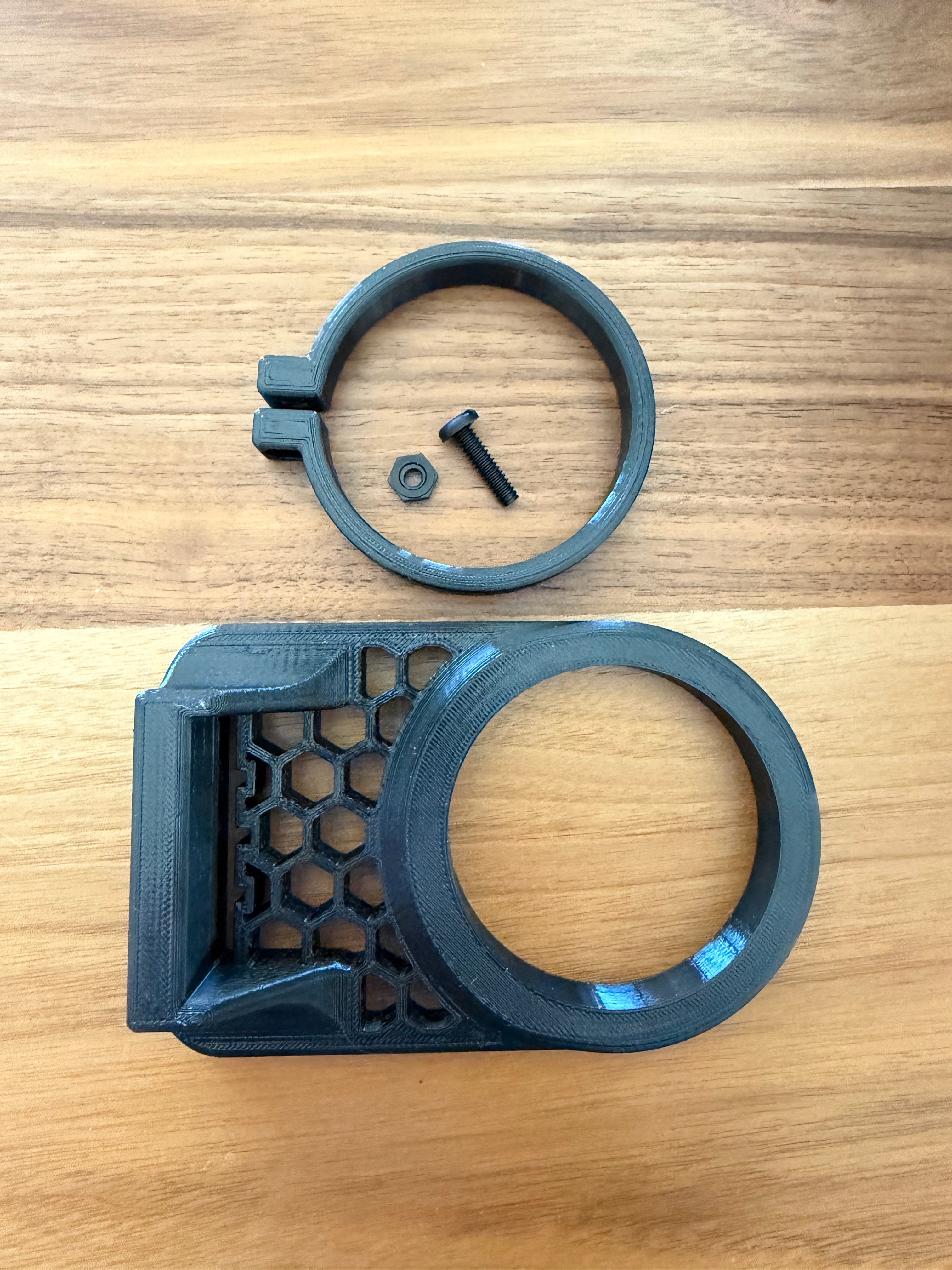


Free Shipping available on Kraken Reef Automatic Feeder Adapter in the Continental USA

Description
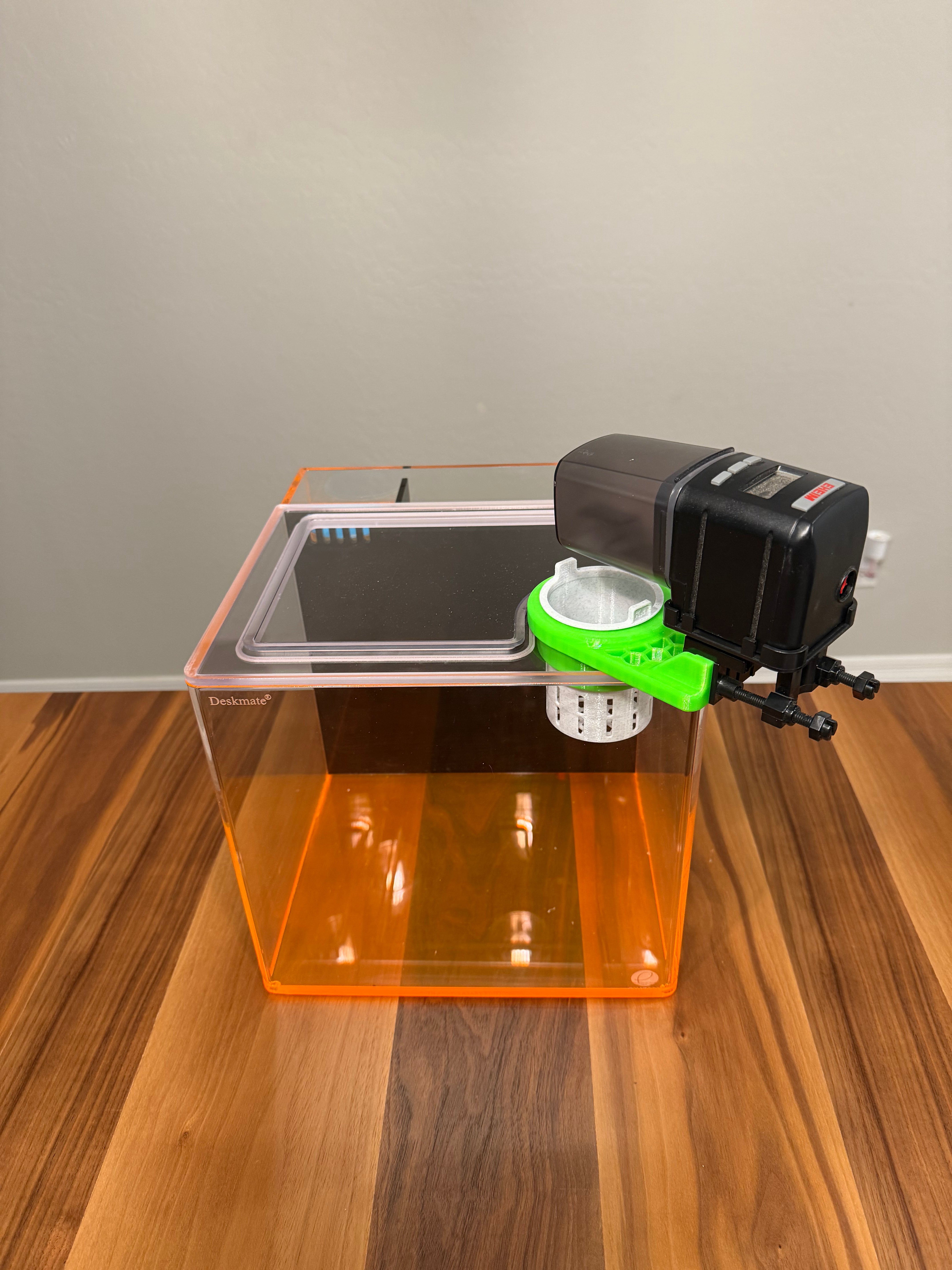
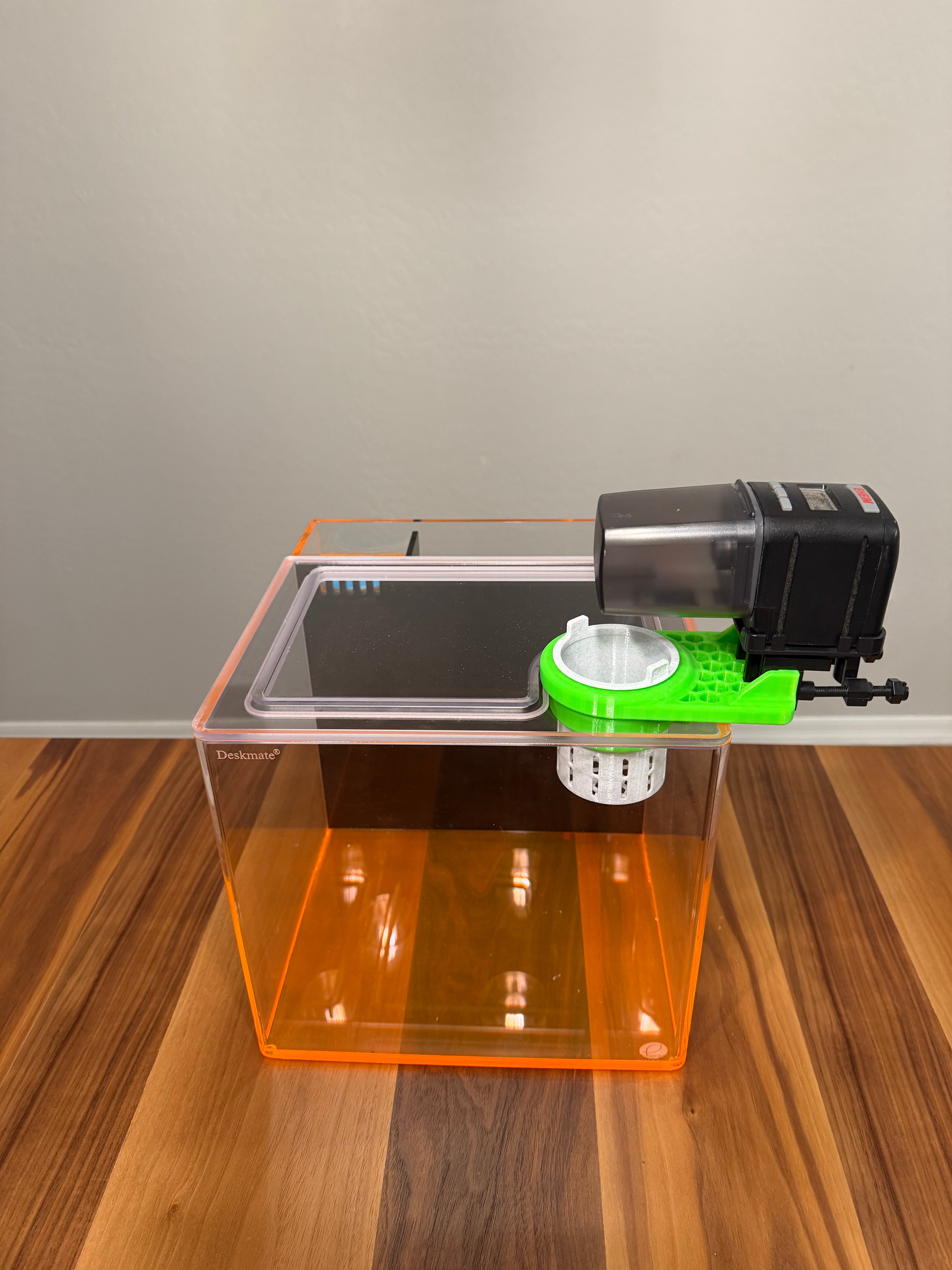
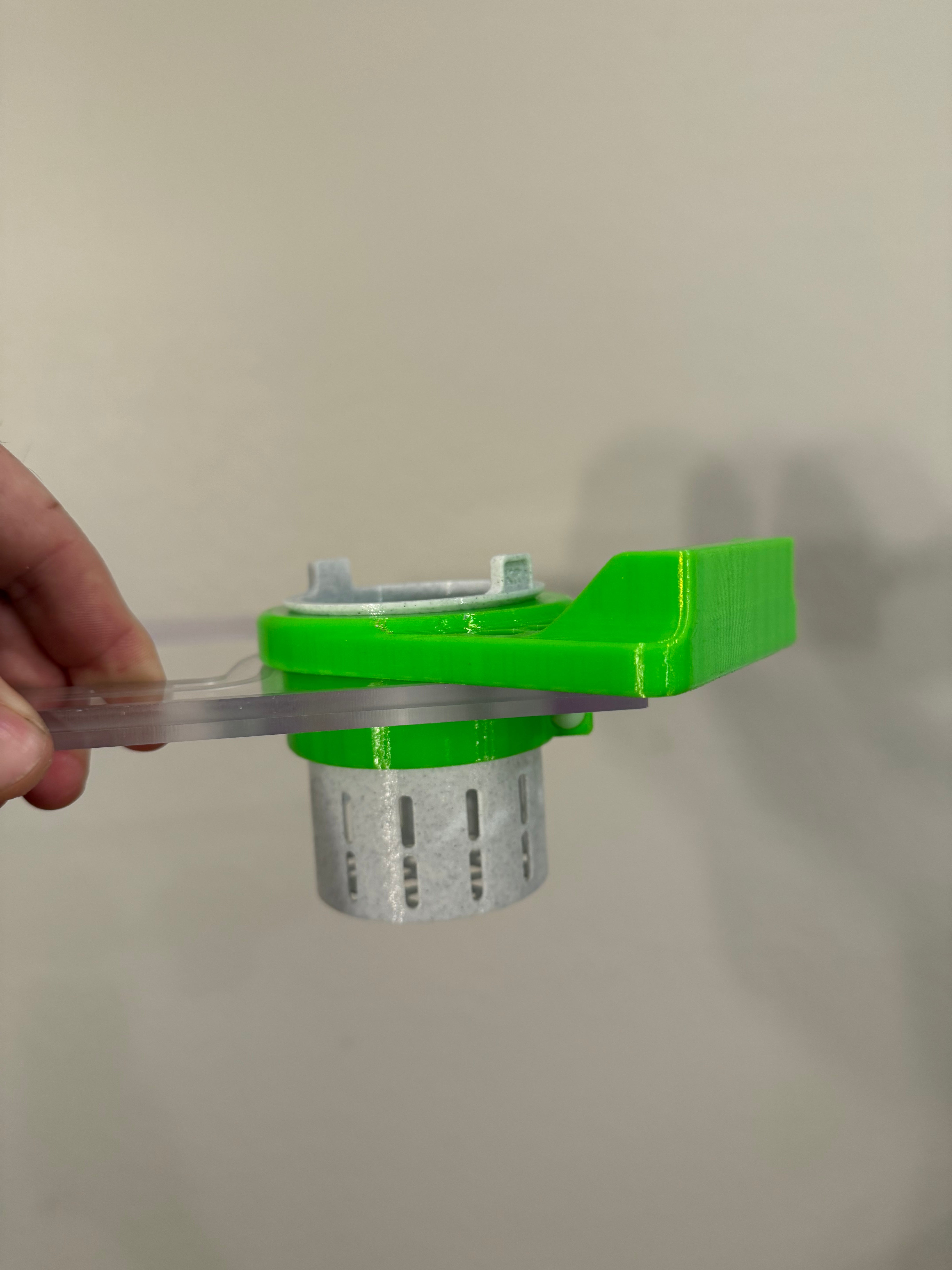
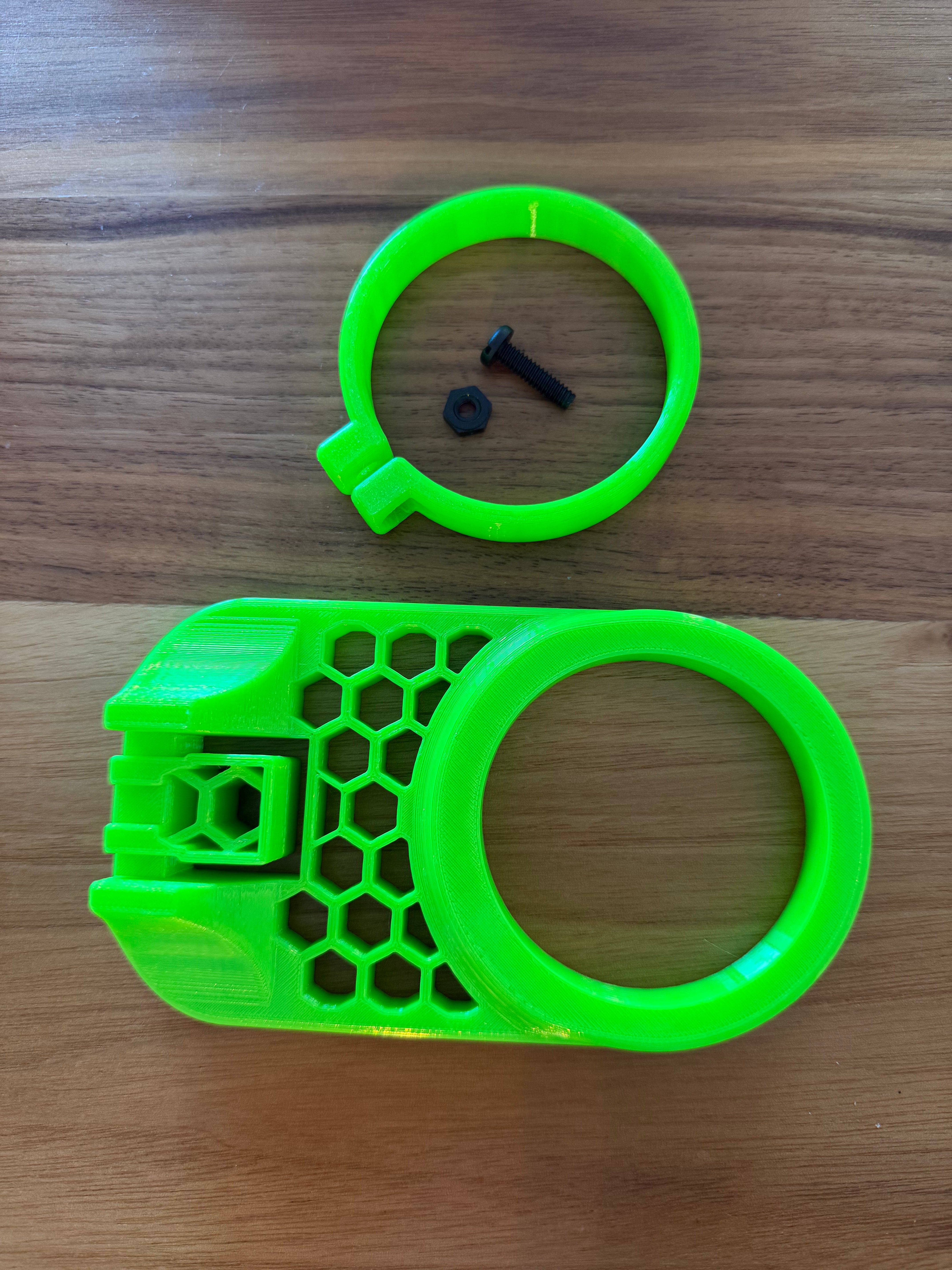
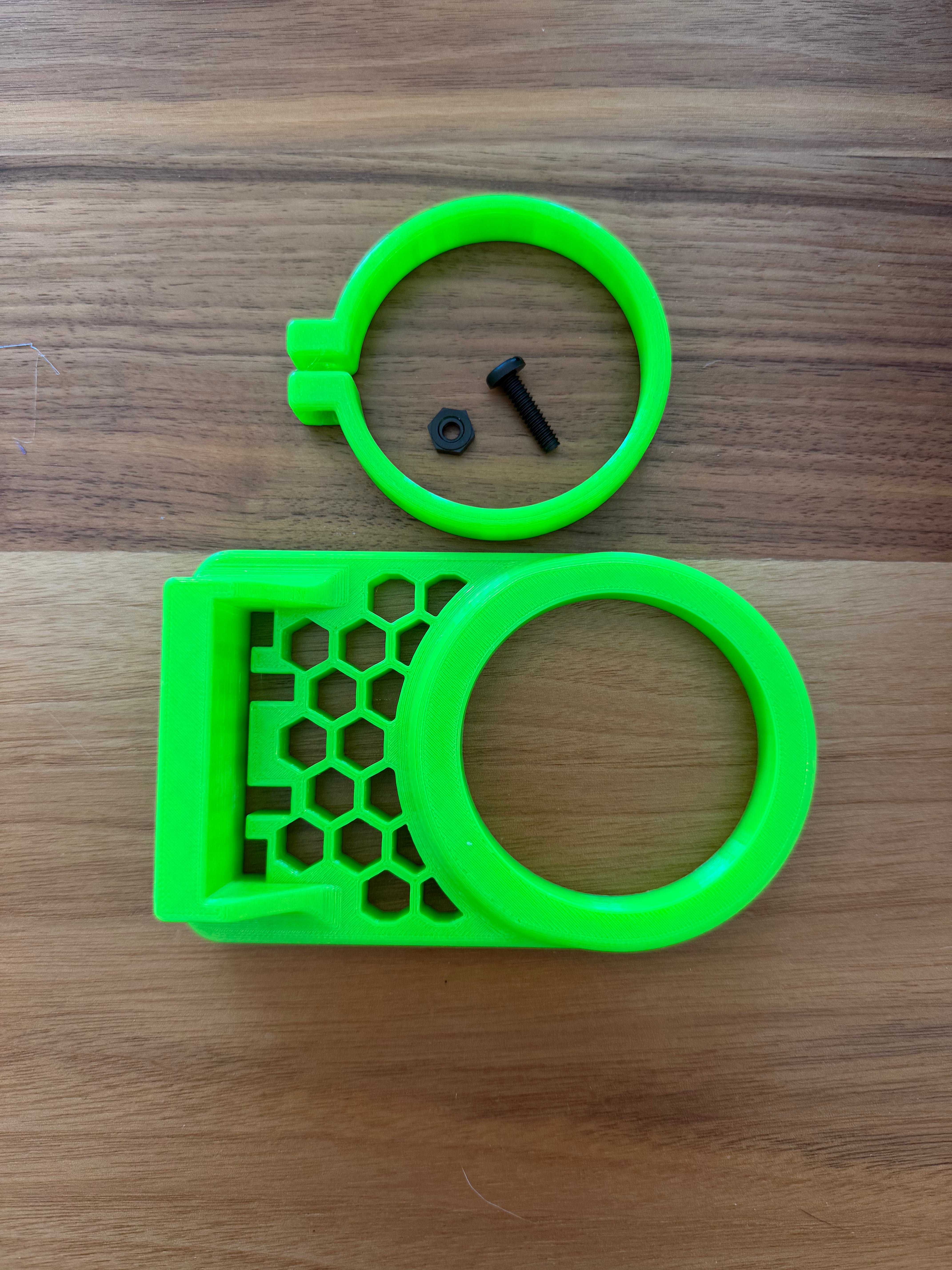
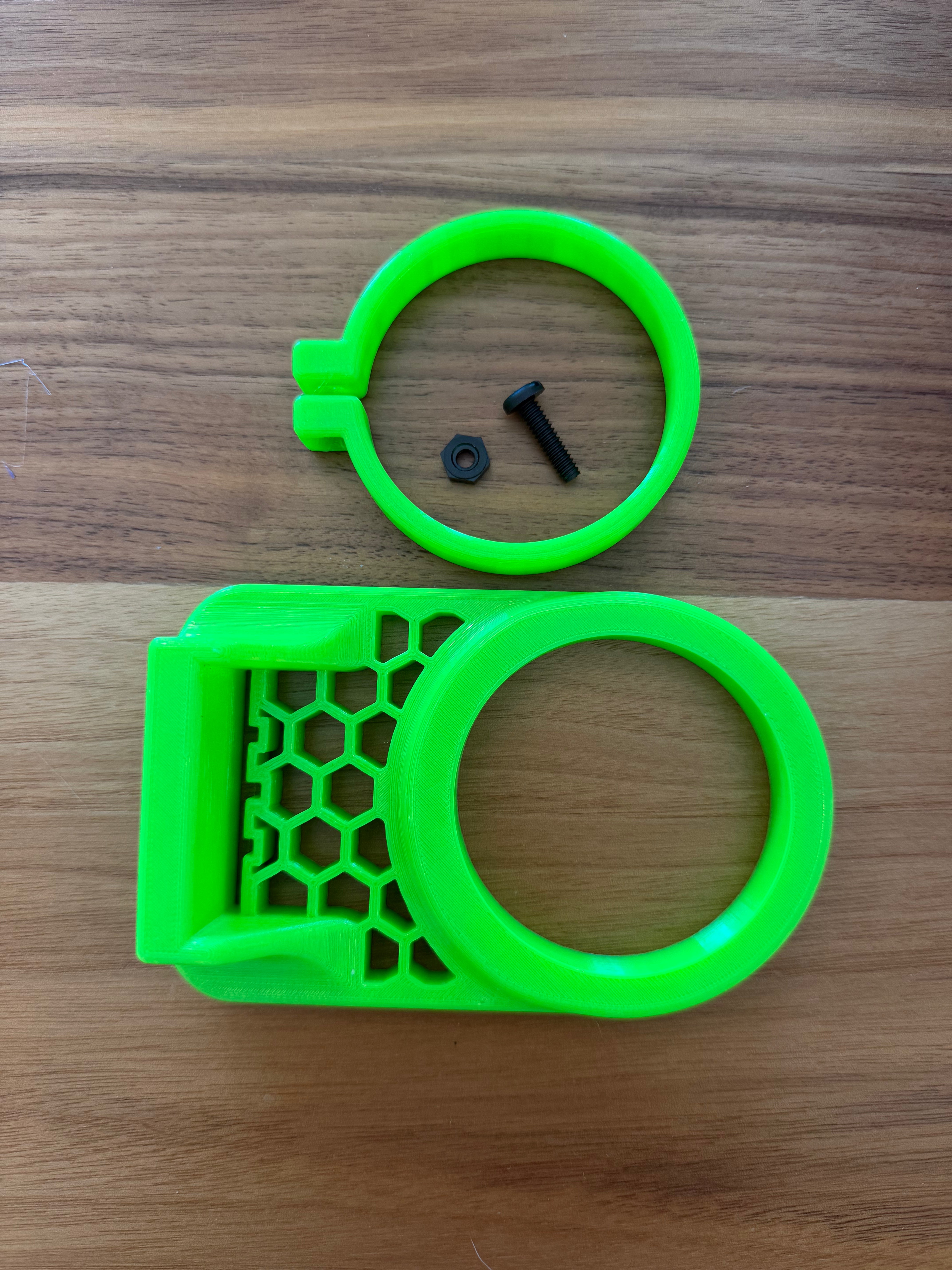
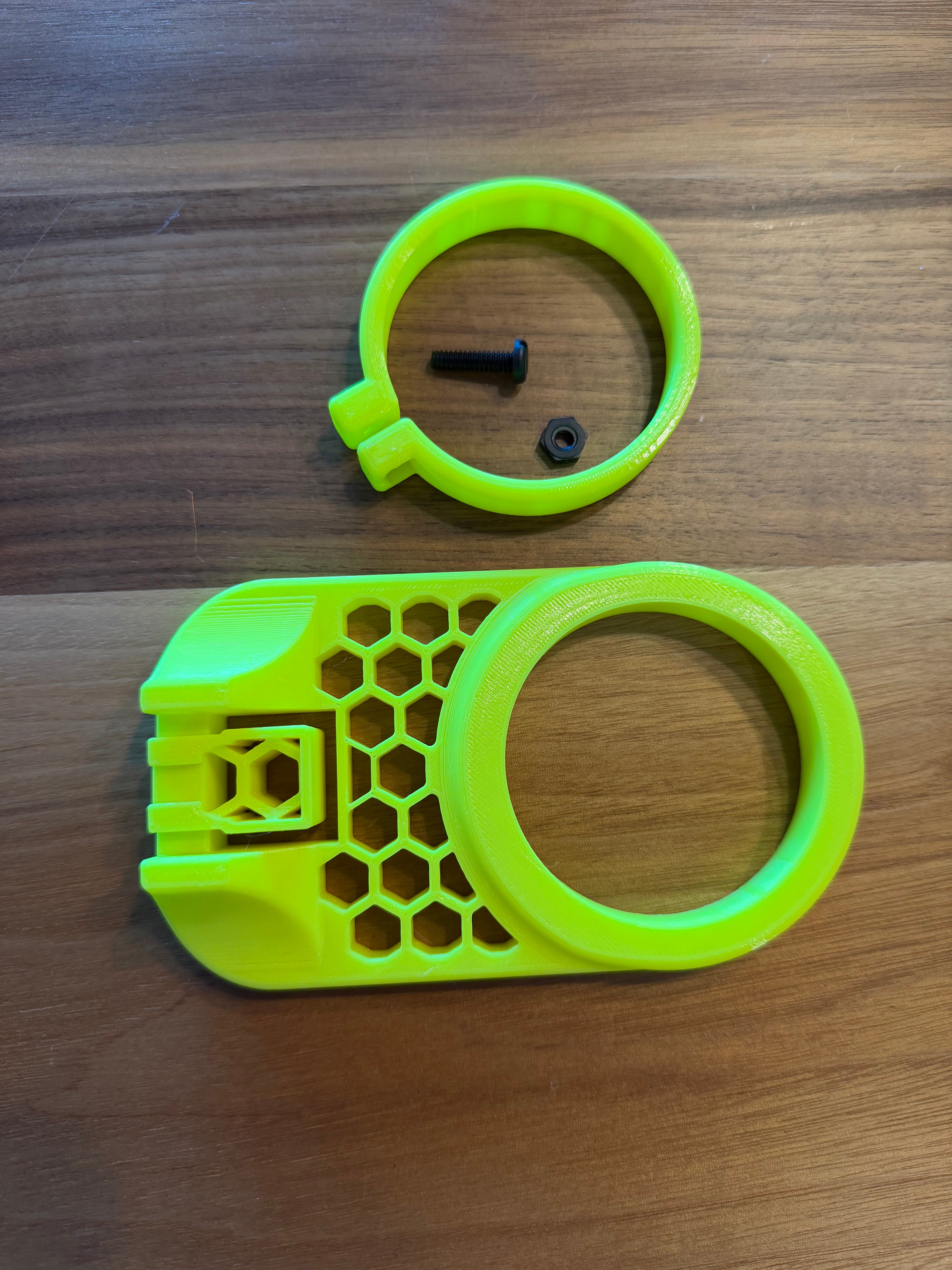
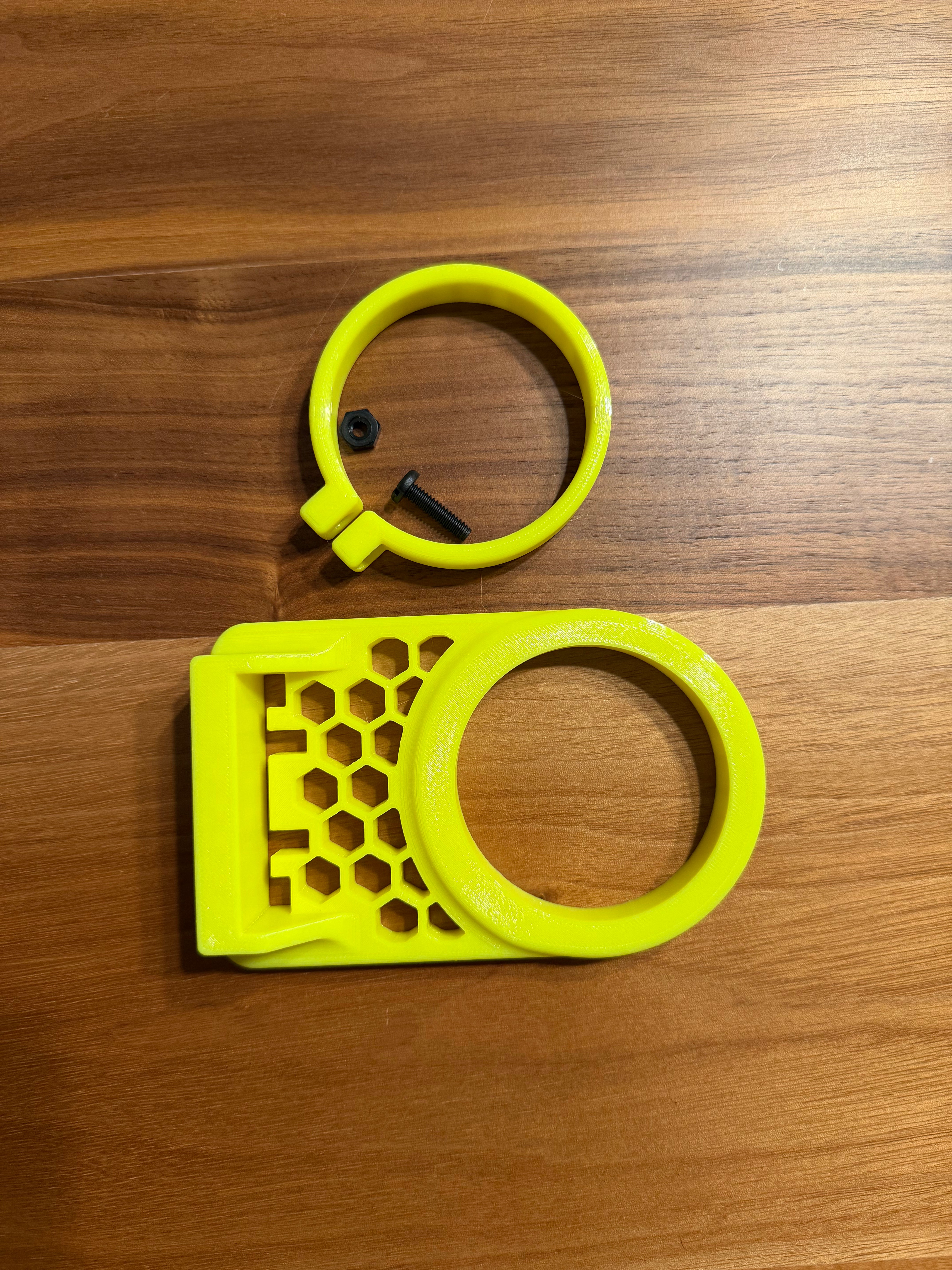
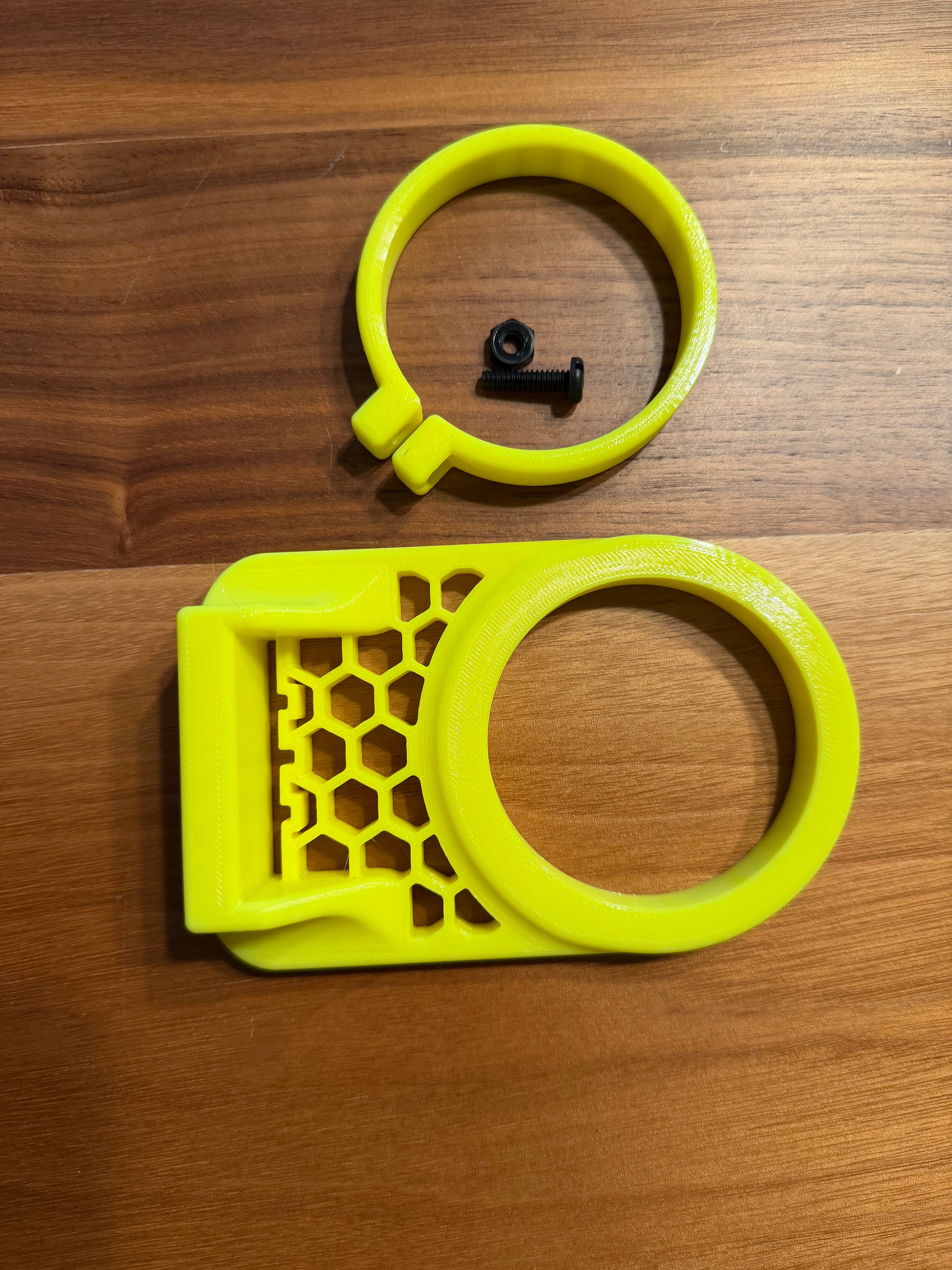
To use the adapter, you must use a Kraken Reef Premium Feed Lid (sold separately) installed on a rimless aquarium and Kraken Reef Feeder Cup (sold separately). The adapter will raise the feed cup by ~1/2".
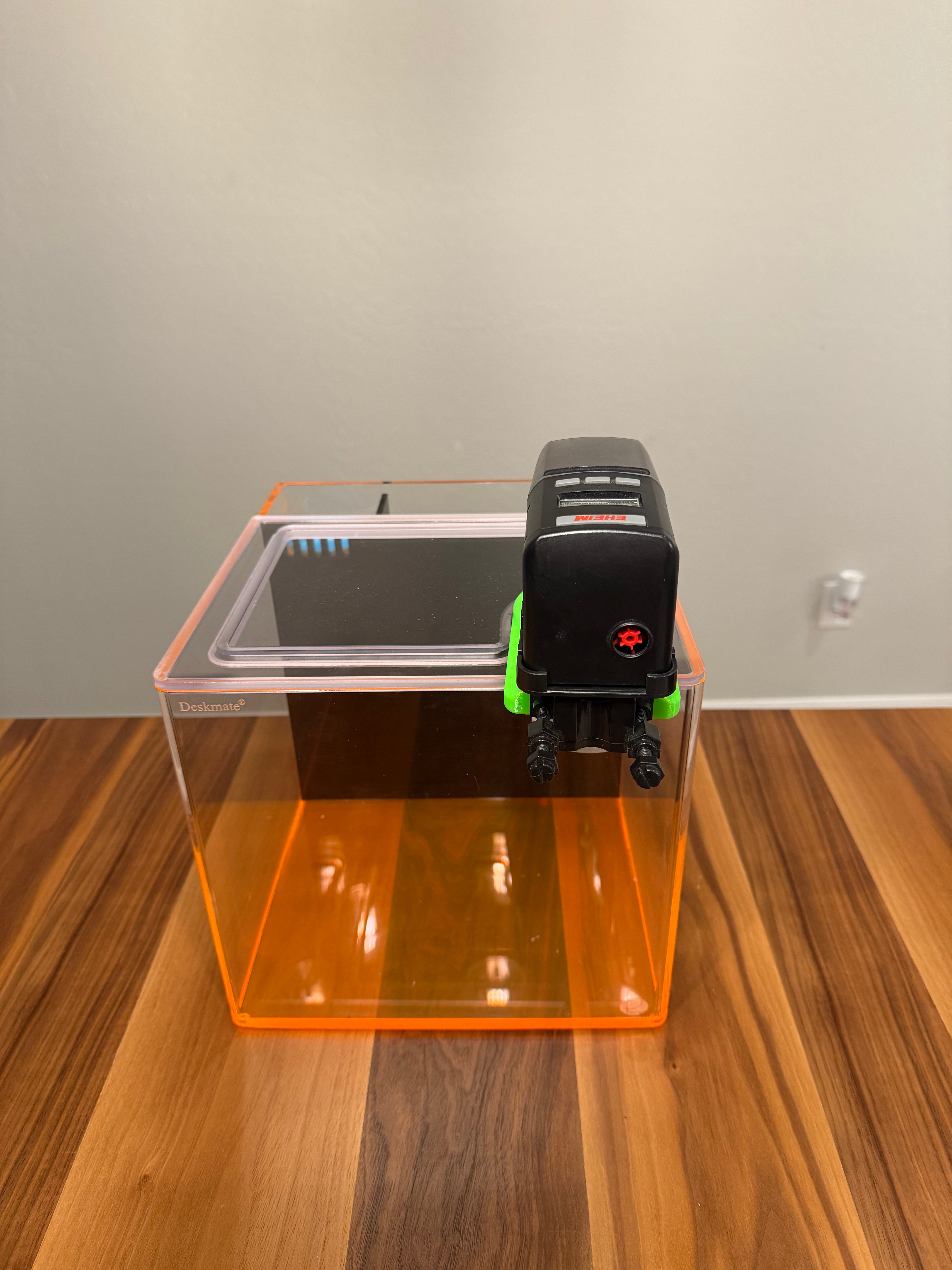
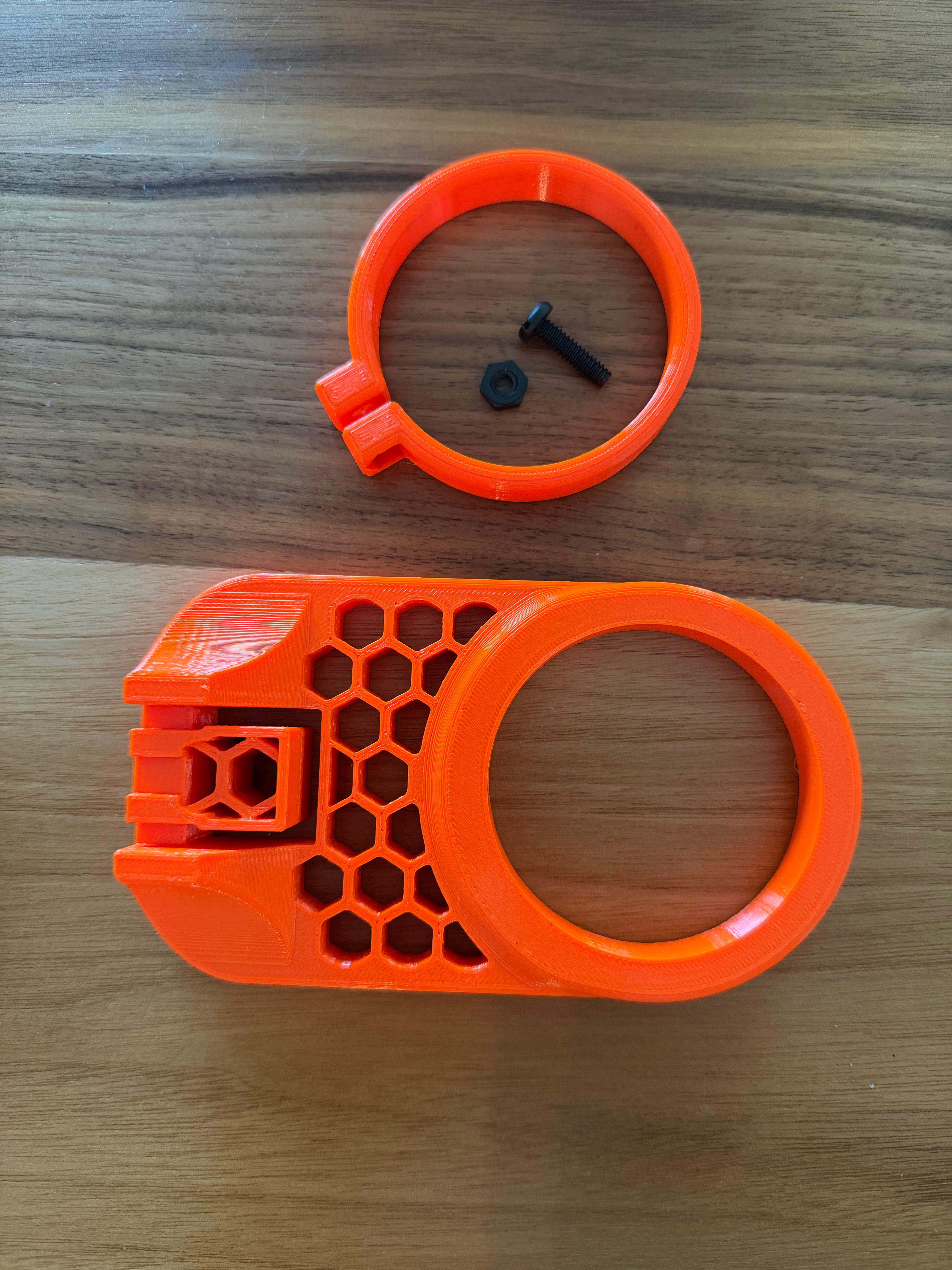
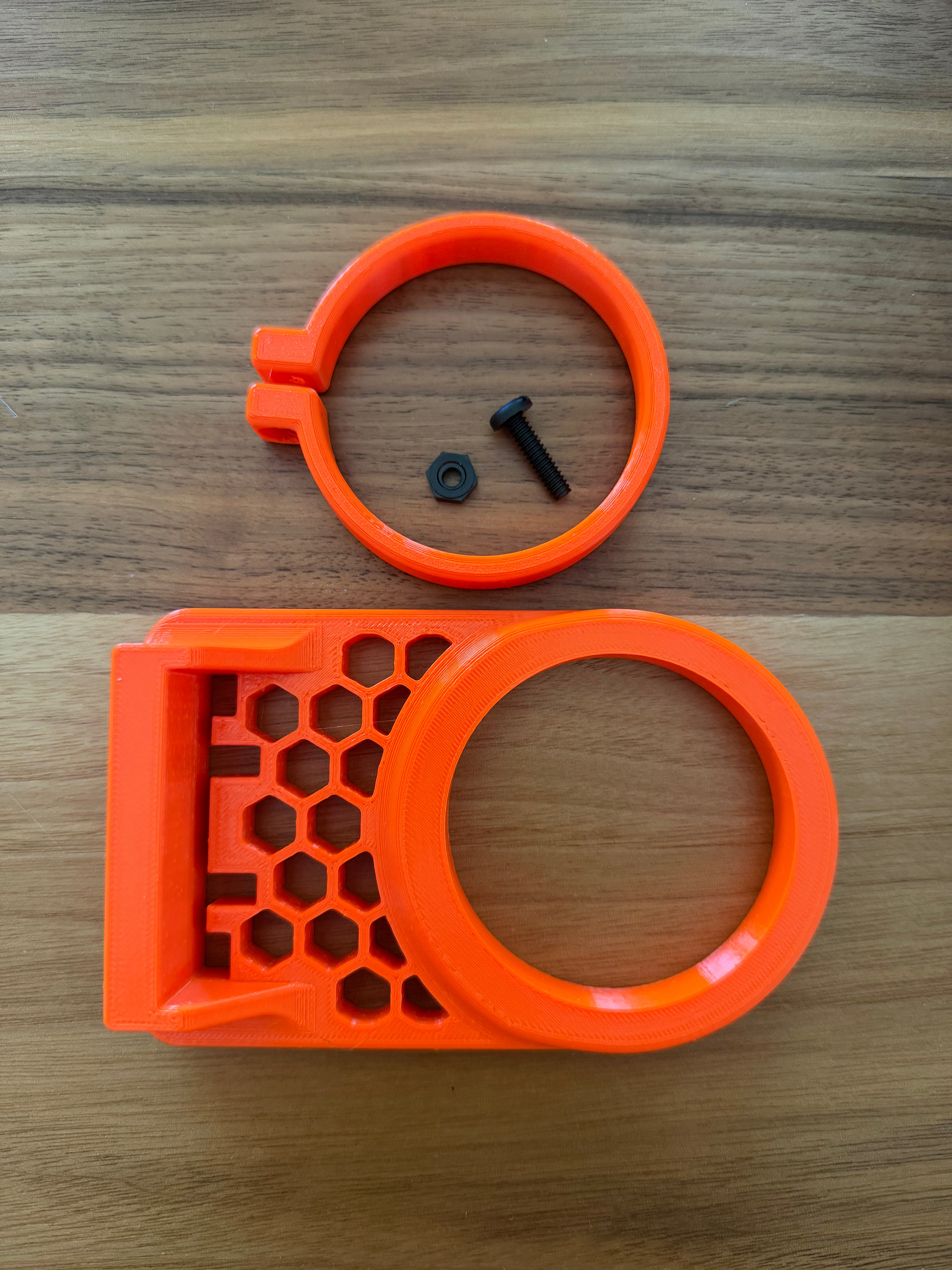
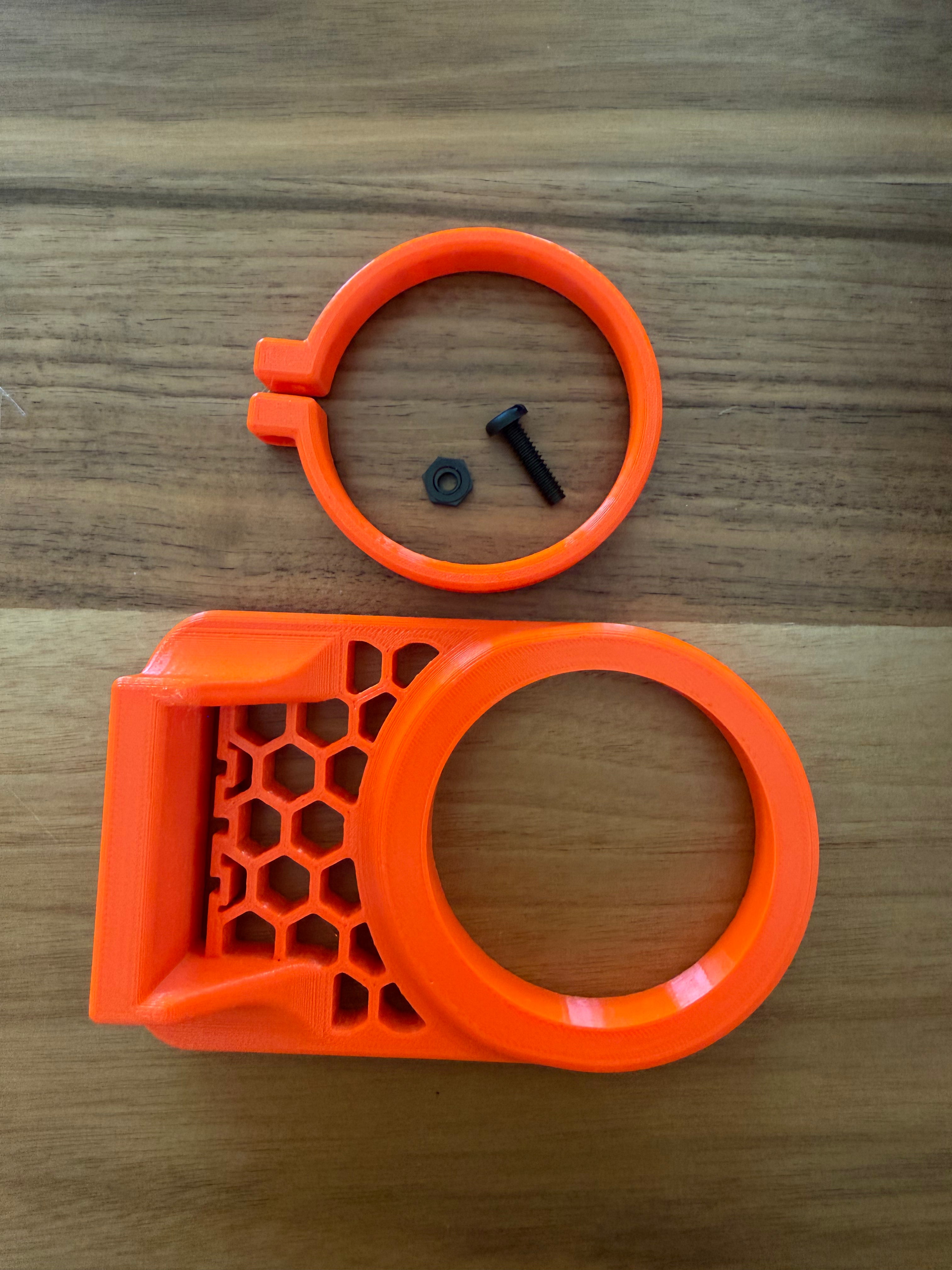
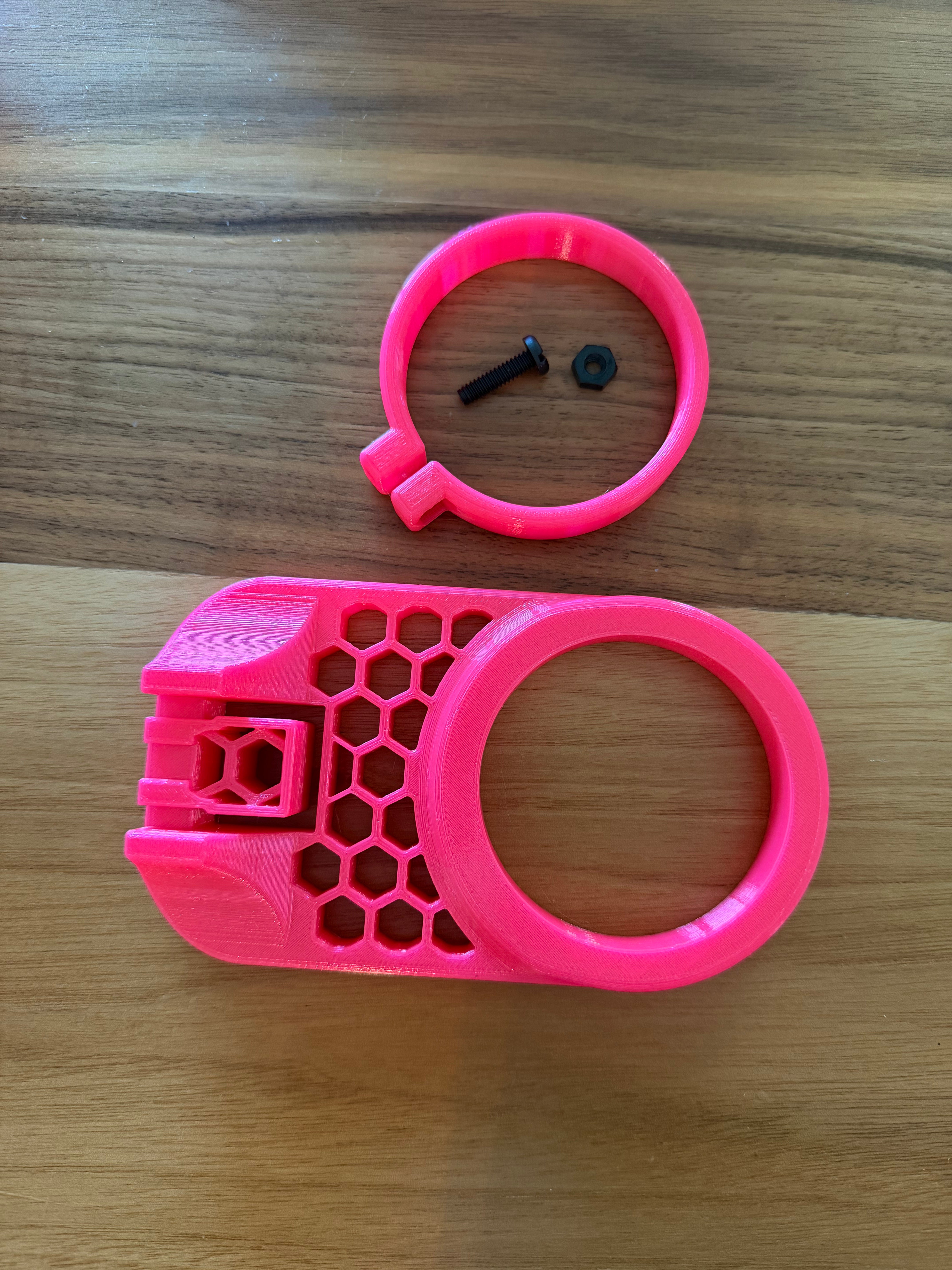
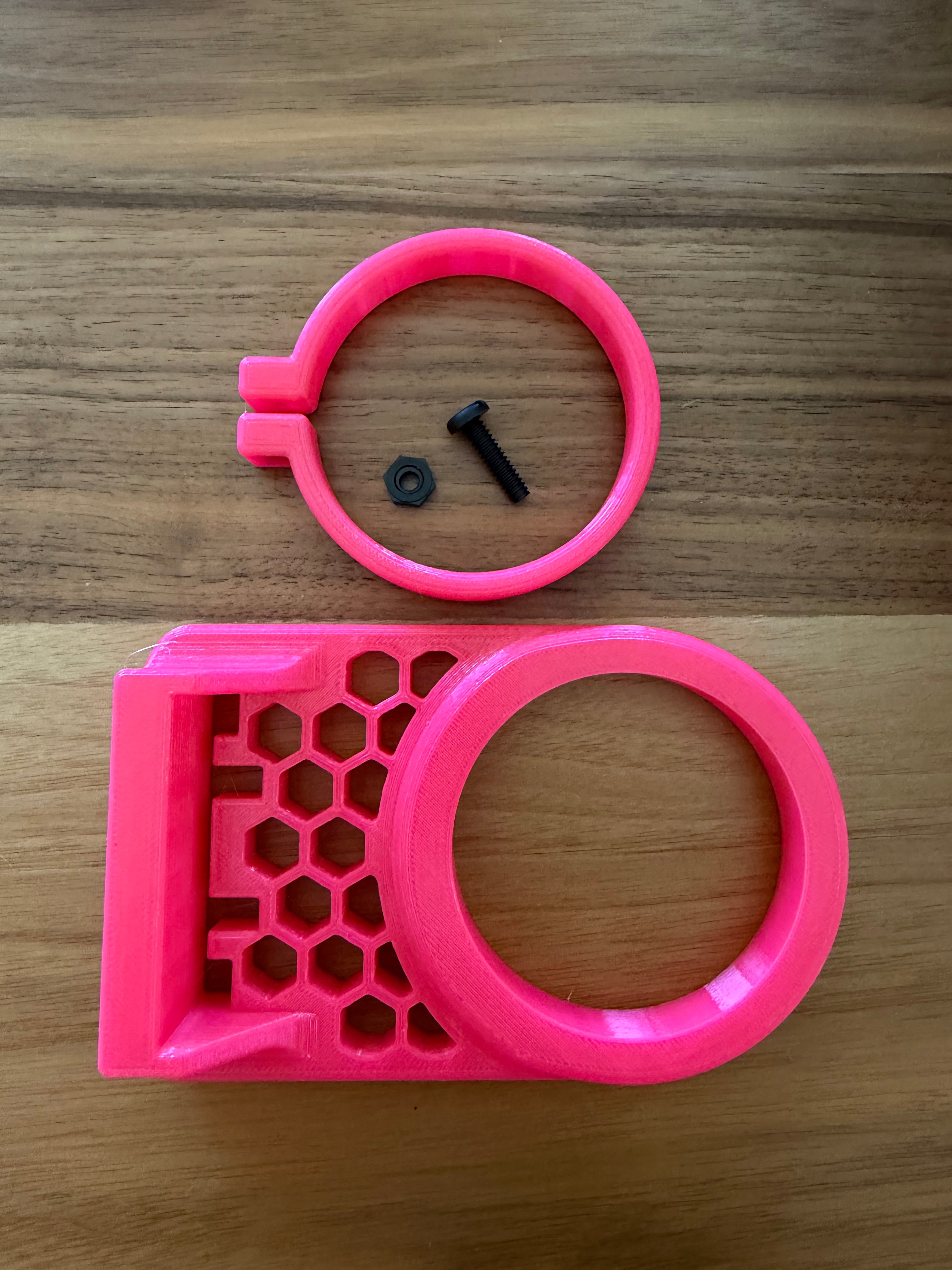
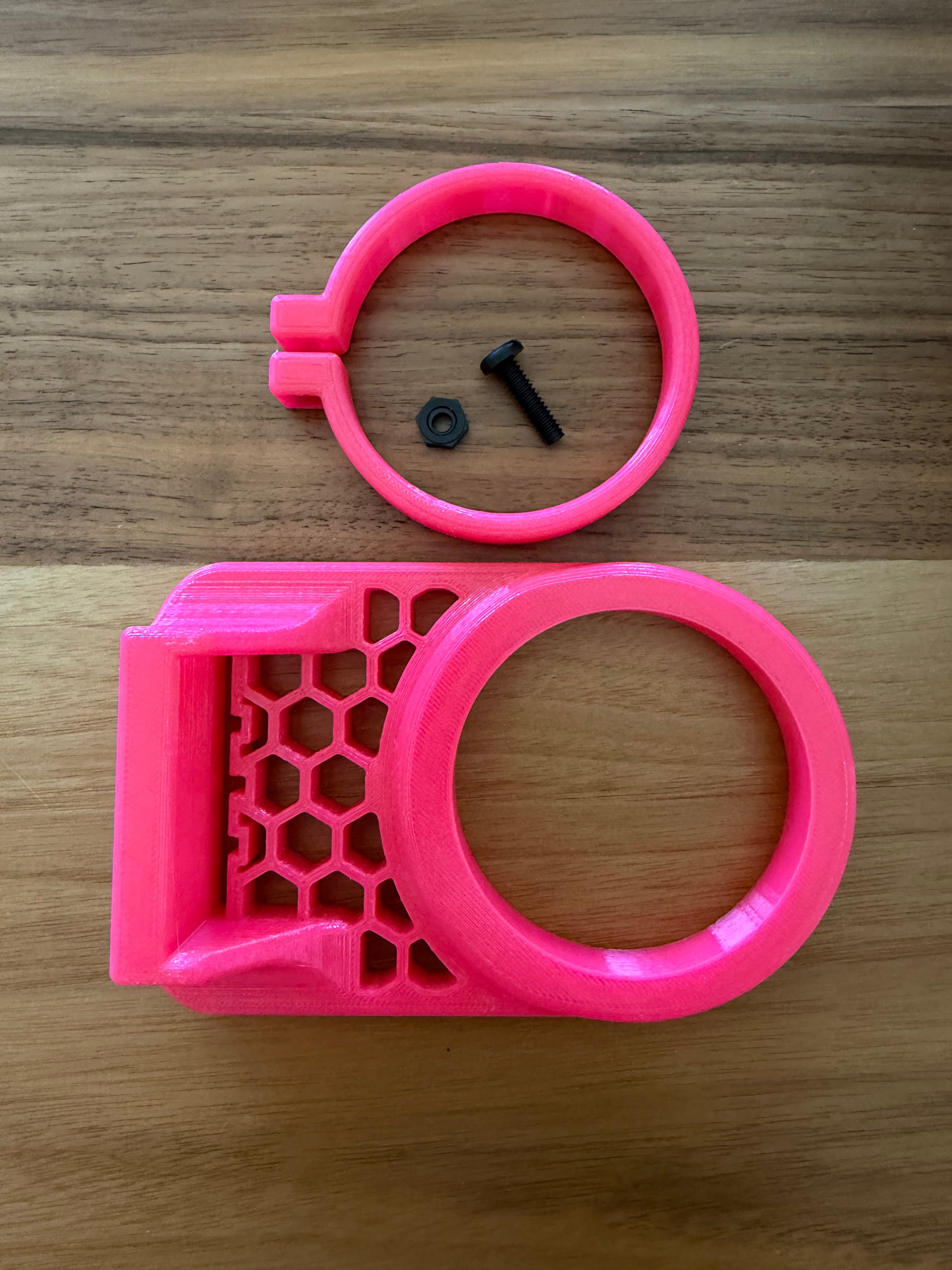
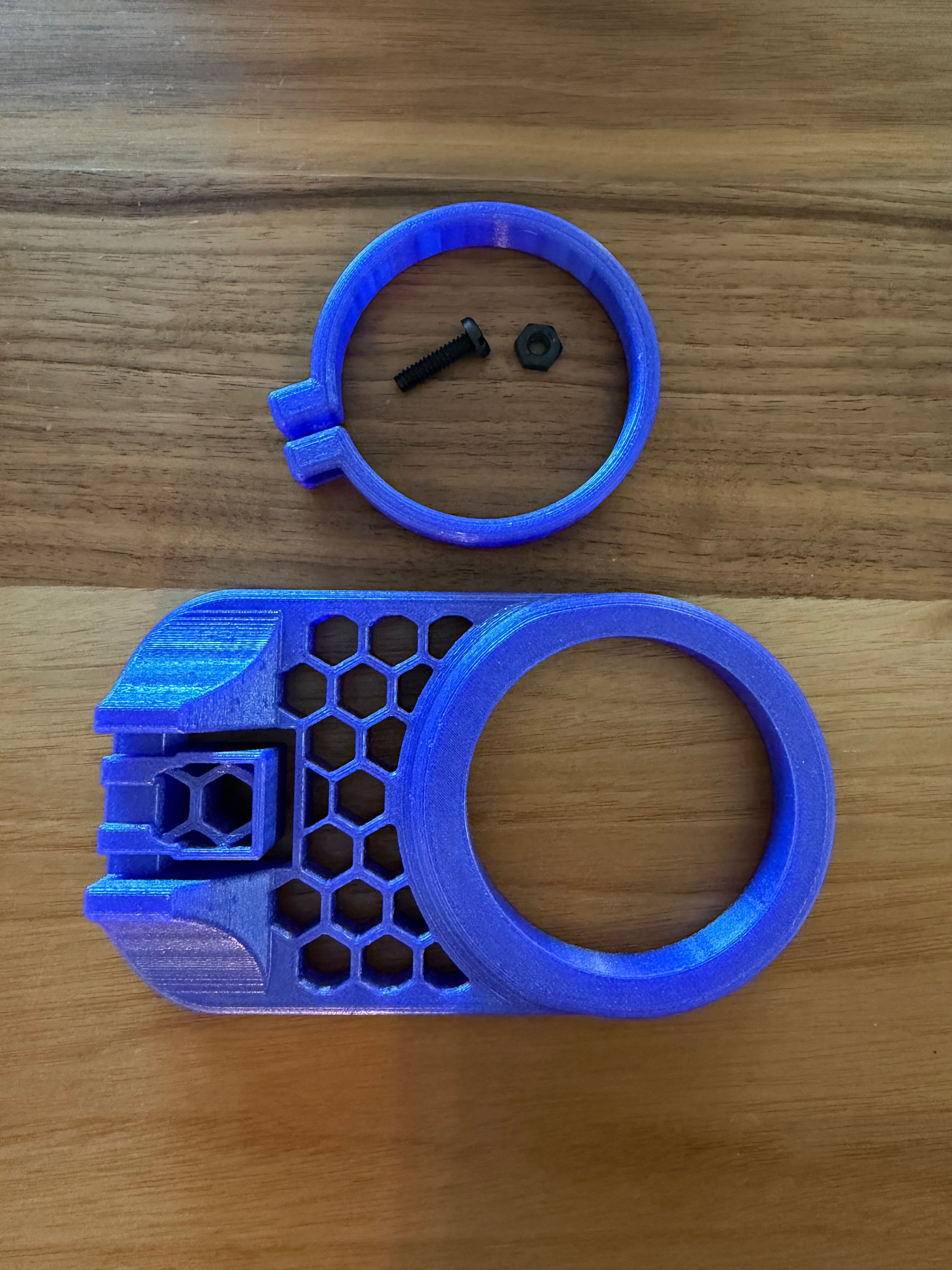
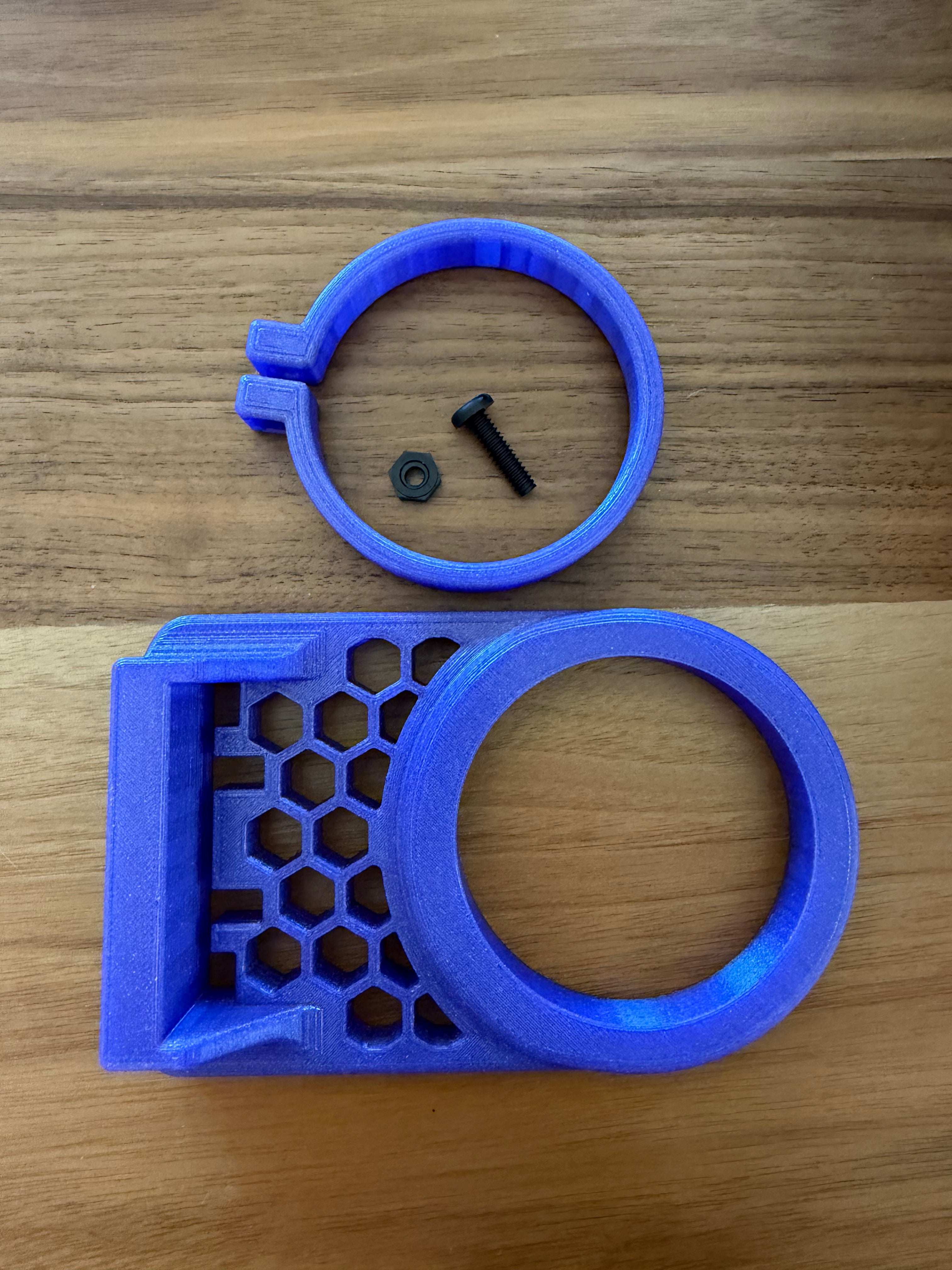
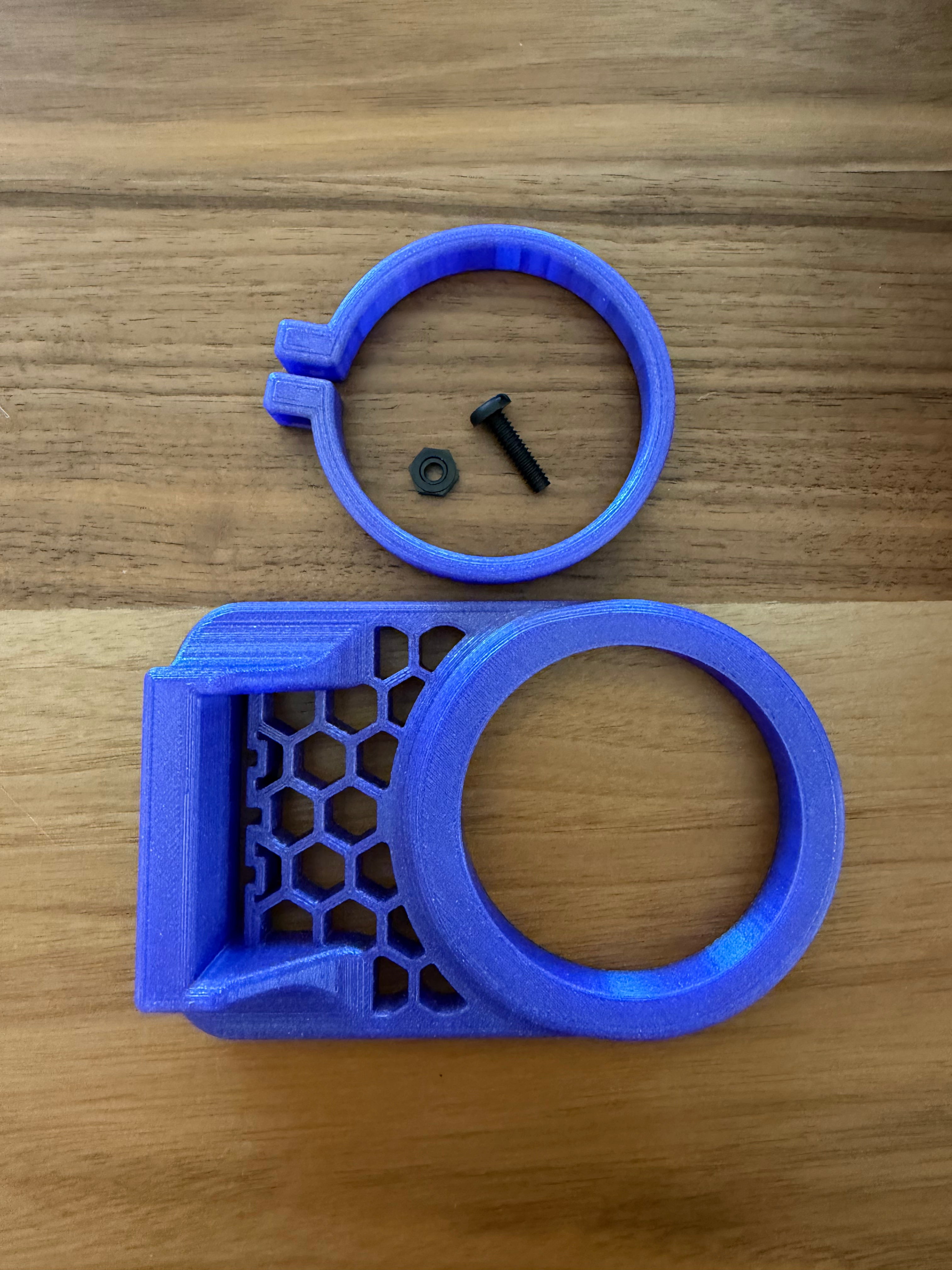
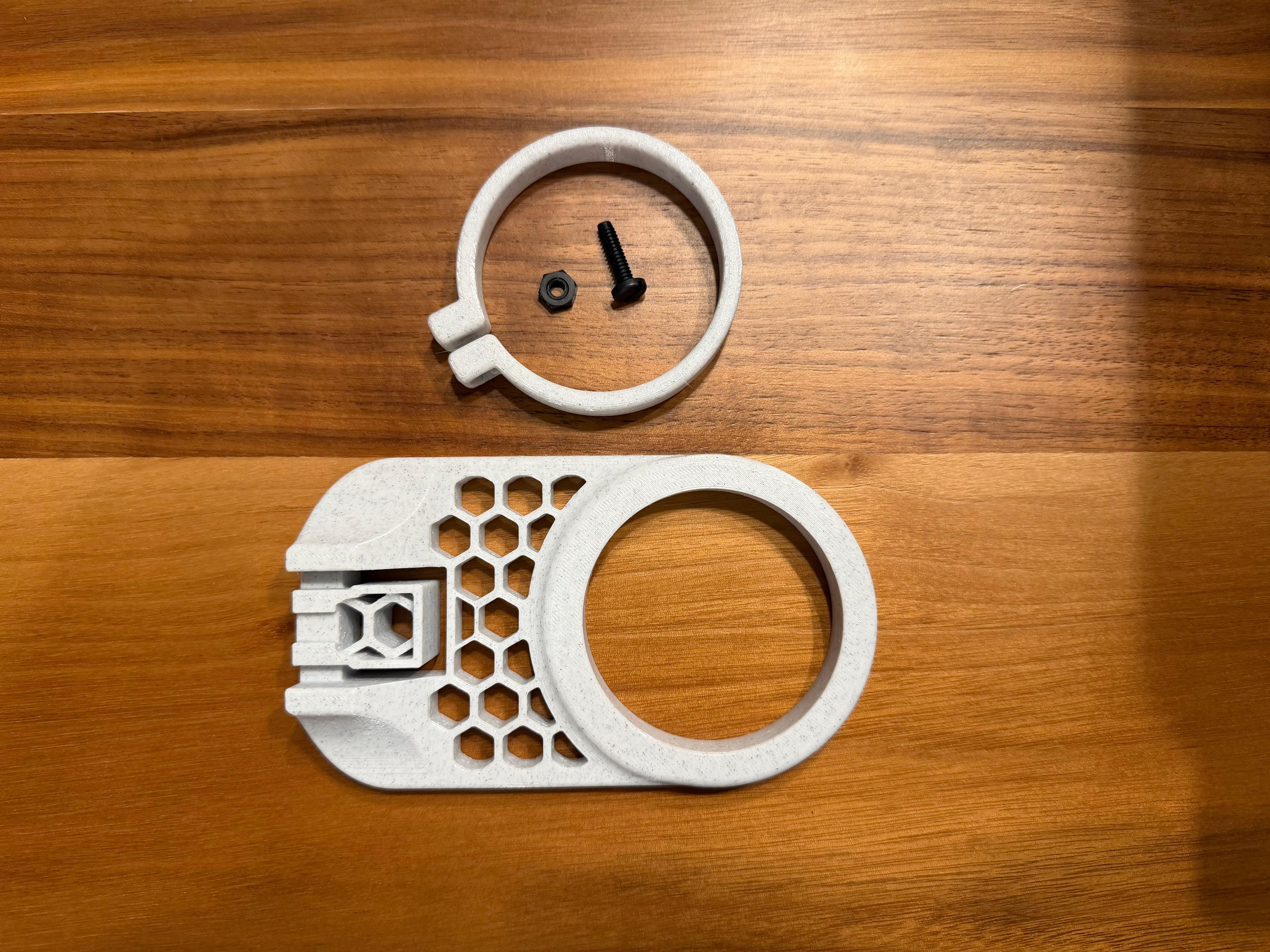
Please ensure that your mount matches the images below. Note: The same mount may have a different feeder body installed, which may not properly align with the feeder cup. If your model is not listed below as confirmed fitment, please reach out prior to ordering.


Eheim Style Adapter fits the following feeders (verify mount style is the small version):
EHEIM autofeeder


HYDROS Square Style Adapter fits the following feeders (verify mount style is the large version):
HYDROS WiFi Fish Feeder (Square feeder body only)
Reef Factory Smart feeder


HYDROS Round / Lifegard Style Adapter fits the following feeders:
FISHNOSH Automatic Fish Feeder
HYDROS WiFi Fish Feeder (Round feeder body only)
Lifegard Aquatics Intelli-Feed Automatic Aquarium Fish Feeder
How to install:
Step 1: Prepare for installation by removing lid from aquarium, and loosely installing bolt/nut onto the adapter clamp (may come pre-installed).
Step 2: Install Kraken Reef Feeder Cup into large adapter.
Step 3: Install Kraken Reef Adapter/Feeder Cup assembly onto Kraken Reef Premium Feed Lid.
Step 4: From the bottom, slide Kraken Reef Adapter Clamp over the bottom of the Kraken Reef Feeder Cup and push flush with bottom of Kraken Reef Premium Feed Lid.
Step 5: Tighten Kraken Reef Adapter Clamp screw (do not over tighten).
Step 6: Install Kraken Reef Premium Feed Lid onto tank.
Step 6: Install auto feeder onto Kraken Reef Adapter.
Payment & Security
Your payment information is processed securely. We do not store credit card details nor have access to your credit card information.

